Template or Custom Website: Price, Speed, Risks and When to Move
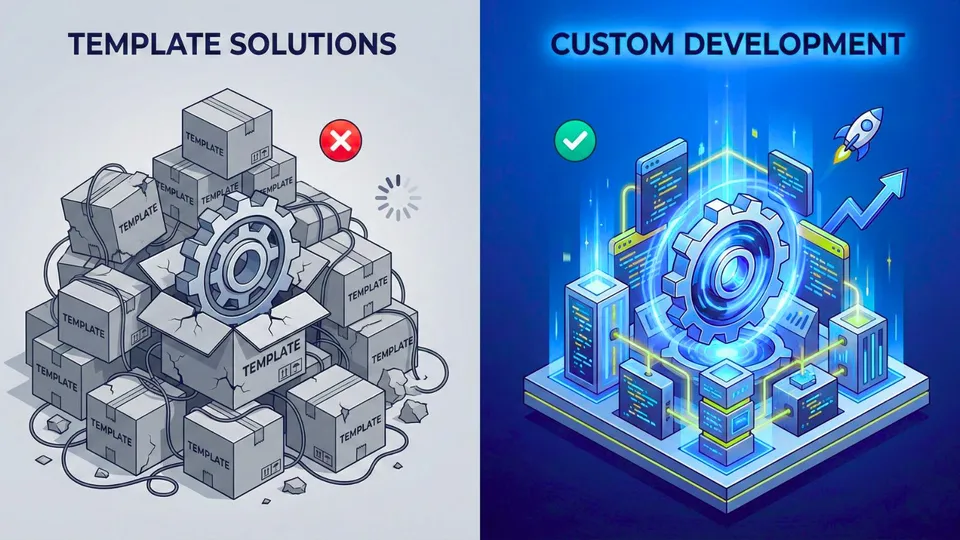
A template or a site builder is not a mistake. It is a tool with clear limits, and the question is where those limits sit for your business. At launch they are barely visible; a year or two later they show up as the price of every edit and every new feature. Below we compare both routes on cost, speed, SEO, security and platform dependence, using 2025-2026 data.
Where ready-made solutions win
- A fast start. Pages come together from ready blocks in days, with no brief and no developer.
- A low entry price. On Tilda’s October 2026 price list, the Personal and Business plans cost $10 and $20 a month with annual billing ($15 and $25 month to month). Shopify’s Basic plan, as listed in euros, is €19 a month billed yearly (€27 monthly), plus 2% on payments through third-party providers.
- Fewer technical chores. As a rule, the platform handles engine updates, hosting and certificates.
In practice, a builder is often the sensible choice when you are testing a niche, running a short promotion, or need a 3 to 5 page brochure site. Our advice: do not pay for custom architecture until you know what you will sell.
Cost and timelines: comparing like with like
Prices are hard to compare because a subscription and a development project cover different costs. A subscription excludes design and content: that is your time or a designer’s fee. Custom development is paid once, and support is optional.
| Criterion | Builder or template | Custom development |
|---|---|---|
| Launch | Days, no developer | In our plans from 5-7 days (brochure site) to 21-35 days (a 50-page site) |
| Upfront cost | Subscription from $10 a month (Tilda, annual billing) | One-off from $350 for a brochure site, $750 for a 15-page site, from $2,000 for a web application |
| Cost afterwards | The subscription runs as long as the site does; add-ons and extensions may cost extra | Domain extra; hosting on the Brochure and Business plans is $0 a month; optional support from $50 a month |
| Non-standard logic | Within the platform’s blocks and add-ons | Written around your process |
Here is a calculation worth doing yourself (plain arithmetic on the prices above, not a case study). Over three years, Tilda Business on annual billing costs $20 × 36 = $720. A custom brochure site is $350 once; add the Essential support plan and it becomes $350 + $50 × 36 = $2,150. On those terms the subscription is cheaper, and that is an honest result. The gap closes where your process does not fit into blocks: then you pay for workarounds and plugins.
If that sounds like your case, see how we build a business website with a custom CMS: plans and timelines are on the service page.
Speed: the label does not decide it
The claim that a template means a slow site is only partly supported by data. In the CMS chapter of HTTP Archive’s 2025 Web Almanac, the share of mobile sites passing all three Core Web Vitals varies widely by platform:
- Duda 85 %
- TYPO3 79 %
- Wix 74 %
- Weebly 47 %
- WordPress 45 %
Source: HTTP Archive Web Almanac 2025, CMS chapter
The Web Almanac authors note that vertically integrated platforms tend to give steadier results, especially on mobile, and that page weight depends more on themes, plugins and builders than on the core engine. By their estimate, around 60% of WordPress sites use a page builder, which often produces a more complex DOM and heavier CSS and JavaScript.
This data compares platforms with each other; it says nothing about a particular site written in plain code. Our view: custom development lets you leave out what you do not need, but speed still comes from discipline and an optimisation budget, not from the word “custom”.
On rankings, Google does not call Core Web Vitals a direct ranking factor: it advises aiming for good scores and says they are consistent with what its core ranking systems aim to reward. The documentation makes no promise of high positions.
SEO: plugin or code
Structured data (Schema.org) is not a privilege of custom development. Google recommends JSON-LD, and for sites on Wix, WordPress or Shopify it says plainly that markup can be added with a plugin or through a settings page.
What your own code adds, in practice:
- markup that reads from the same database as the page, so price, availability and reviews never drift from what visitors see;
- full control over URL structure, canonical links and the sitemap for a large catalogue.
Below is a breadcrumb example in JSON-LD. Google does not guarantee it will be shown in results, so our advice is to keep markup matching what a visitor sees and re-check it after every template change.
<script type="application/ld+json">
{
  "@context": "https://schema.org",
  "@type": "BreadcrumbList",
  "itemListElement": [{
    "@type": "ListItem",
    "position": 1,
    "name": "Home",
    "item": "https://mysite.com/"
  },{
    "@type": "ListItem",
    "position": 2,
    "name": "Catalog",
    "item": "https://mysite.com/catalog/"
  }]
}
</script>
Security: a different risk, not an absent one
Popular plugins are a real target, and the numbers show it. According to the Patchstack report as covered by Search Engine Journal, 11,334 new vulnerabilities were found in the WordPress ecosystem in 2025, 42% more than a year earlier. Most were in plugins rather than the core. For 46%, developers shipped no fix before public disclosure, and for heavily exploited ones the weighted median time to first exploitation was about five hours.
Custom code is not automatically safe either. The OWASP Top 10:2025 includes category A03, software supply chain failures, which covers third-party components, dependencies, build tools and deployment processes. A modern custom site usually leans on outside libraries and packages too.
Our view: a builder moves part of the patching onto the platform, a real advantage for a small business. A custom site has no public list of “typical holes”, but it demands discipline: dependency updates, backups, restricted access. If nobody owns that work, security is weak either way.
Dependence on a platform, and on a contractor
This is the risk people mention least. Wix’s help centre says a site must run on Wix’s servers and that its architecture does not support external hosting. Under Wix’s terms of use, the content you build belongs to you. So you hold the rights to your material, but the finished site cannot be moved out together with its engine.
On Tilda, exporting code as a static HTML archive is available on the Business plan. Per Tilda’s help centre, Tilda CRM, Members, the product catalogue and feeds do not carry over, the free SSL certificate is switched off, and forms keep working only with an active paid subscription. If the subscription is not renewed, the site is unpublished and the data is kept for six months.
Custom development has a mirror-image risk: dependence on the contractor. Our advice is to agree five things before work starts.
- The code sits in a repository that you own.
- The domain, hosting and analytics accounts are registered to you.
- There are instructions for managing the site and notes on how to deploy it.
- Backups are configured, and it is clear who checks them.
- Support terms and response times are written into the contract.
When you cannot do without custom logic
A builder stops helping where the site has to calculate and decide, not just display: complex subscriptions with option rules, a B2B portal with different prices per customer group, a product configurator with real-time calculation, a CRM integration on your own rules. Then count the cost of workarounds, not of a block: every plugin adds weight, a dependency and one more thing to update.
How to decide
- 1Describe the processwhat the site must do besides showing pages: payment, account area, calculation, integrations
- 2Test it on a buildercan blocks and add-ons cover it without workarounds
- 3Count three yearssubscription, add-ons and edits versus development and support
- 4Check the exitexport, domain, access, who owns the account
- 5Set a switch pointcatalogue size or new logic beyond which you move to custom development
Veb-Dev, author scheme
Common mistakes to avoid:
- choosing by the first month’s price and never counting three years;
- commissioning custom architecture “just in case”, with no usage scenarios;
- leaving code and access handover out of the contract;
- adding a plugin for every need without weighing its effect on speed;
- not measuring Core Web Vitals before and after changes, though PageSpeed Insights is free.
What to do next
At the start, begin with the simple option and write down the conditions for switching. If your site already hits the limits of its platform, count three years on real numbers and check what you could take with you.
Not sure which fits you? Get in touch: we will go through your process and tell you plainly whether you need custom development or a builder will do.
Author: Sergey Filatyev, founder of the Veb-Dev boutique studio.
Tags
- custom web development
- website builder
- template website
- site speed
- technical SEO
- website security
- custom CMS
- website cost